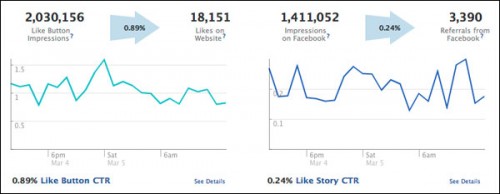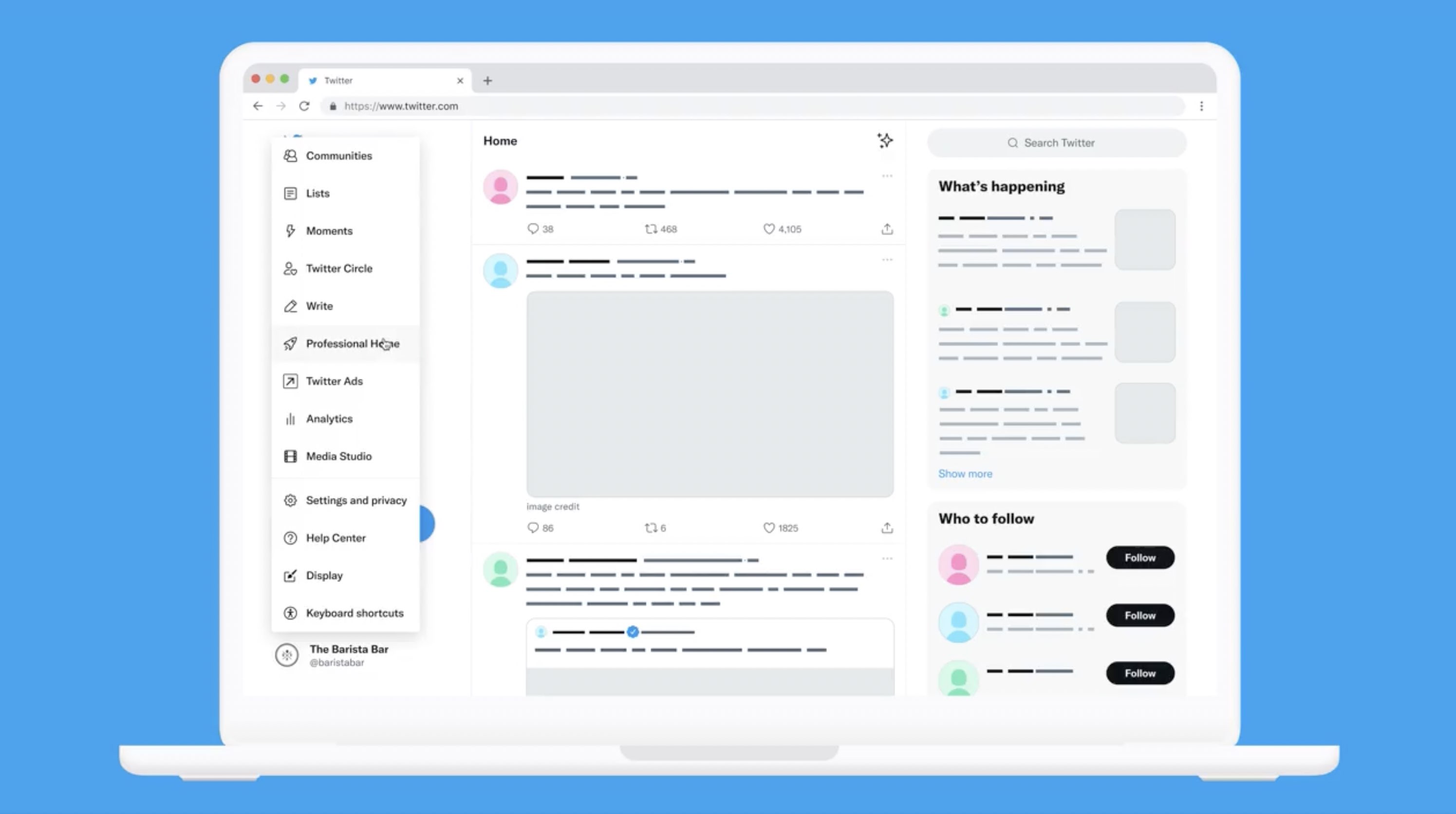
With the updated analytics display option in the Professional Accounts tab, you can take a fresh look at your overall account performance.
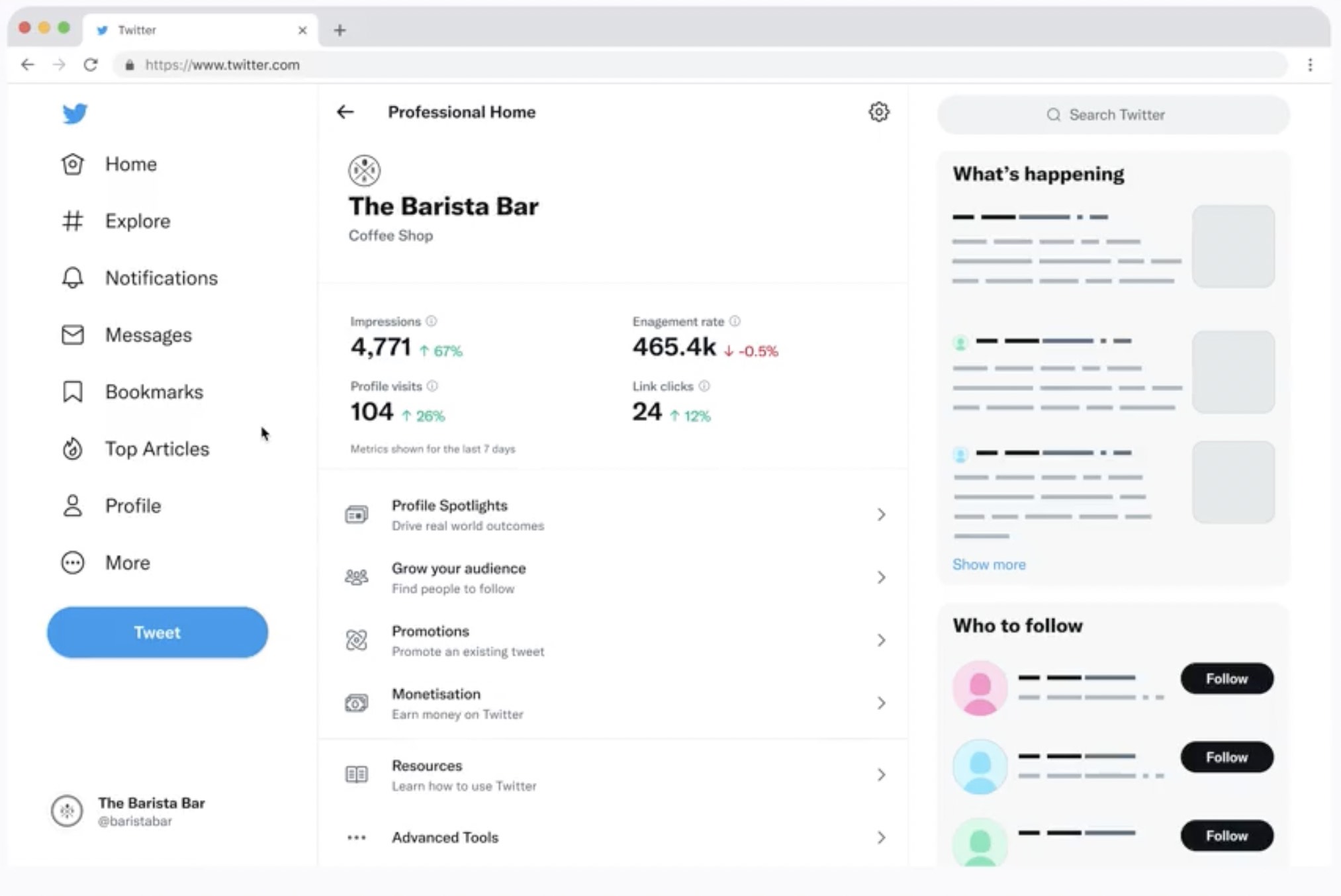
The new Professional Home screen is able to show you different key account insights such as profile visits, link clicks, monetisation, etc.
While this internal dashboard is useful, successful Twitter promotion often requires insights from outside the app. For comprehensive brand reputation and competitor analysis, many marketers rely on external social media monitoring tools to track unmentioned conversations and external sentiment.
Twitter explained that this dashboard would help you to explore additional resources, different service and product offerings around the globe and track your efficiency.
Similar opportunities were available before in the Twitter Analytics tools. But in the future it can become a framework for Twitter to introduce new improvements around data and visualization.
It would also simplify your transition to other stats of your professional account right from the insights toolbar and make the overall view on account data more understandable.
Perhaps this addition is not so global, but it can be useful for businesses starting to promote their activity using app.
Over the past year, Twitter has been developing new features and visualizations in the Professional tool, so this update may open a quick way to analyze your activity and gain data about your performance easier.
You can access the update now by clicking the “More” button in the lower right corner of the side menu of the desktop version of the app and going to the “Professional Home” tab.
Boost Your Performance Metrics with Trending Data!
Your Professional Home dashboard tracks efficiency—now optimize it. Discover the trending hashtags and viral tags to ensure your next post gets maximum visibility and drives those crucial link clicks.