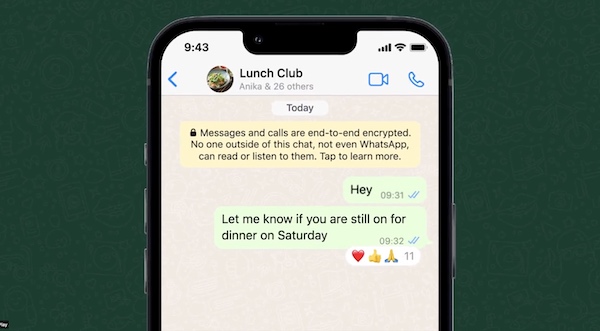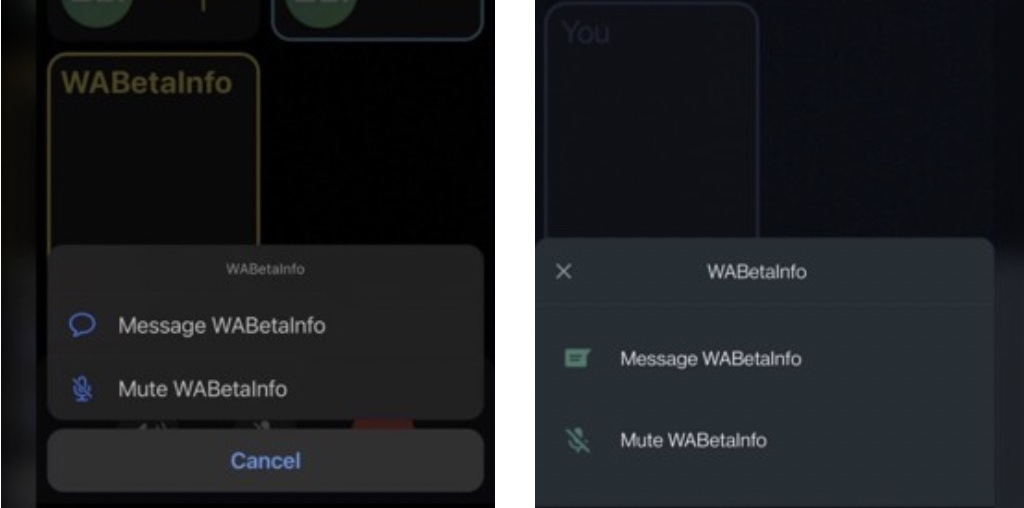
Developers of the popular WhatsApp messenger have added new features related to the group chats and privacy settings.
First innovation gives users more control over who can see their photos, recent activity and other data. Previously information could be shown to everyone, hidden from everyone or shown only to contacts. Now you can adjust settings for each contact individually.
To hide personal information from some contacts, you should:
- Go to the “Settings” section
- Open the “Account” item
- Click on the “Privacy” tab
- From the list (Last seen, Profile Photo, Information, Groups, Status) select “Contacts, except…”
- Select the people to whom you want to restrict data
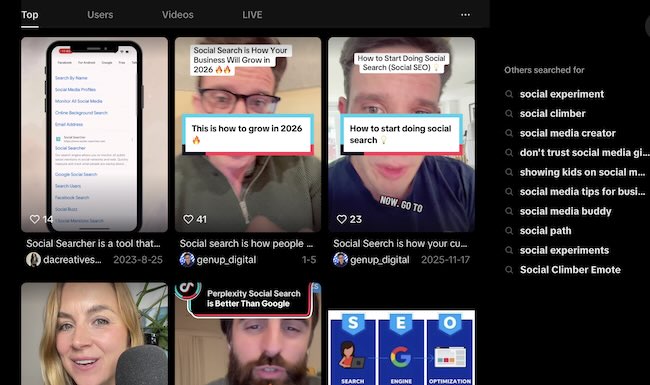
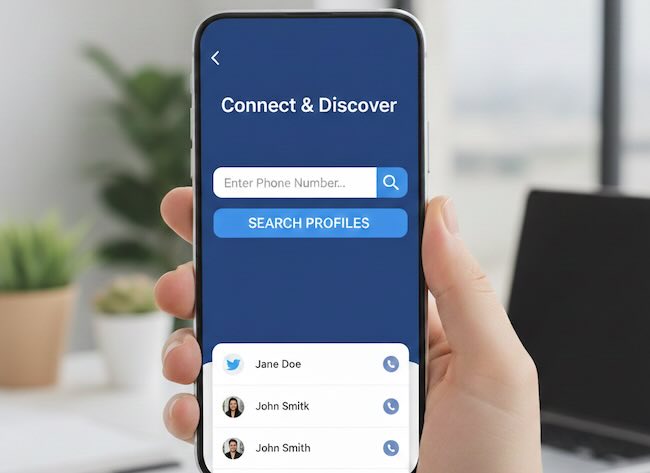
While these new WhatsApp controls help you manage who sees your activity within the app, if you ever need to find social accounts for profiles outside your existing contact list for business or research purposes, specialized tools can provide broader results.
Update also considers group chats. Now users can turn off another participant’s microphone in a group call and write a private message to a group member without returning to the general chat list. Also a new appeared indicator can show that a new participant has joined the call: you don’t need to manually update the list to see the participants list.
WhatsApp developers realize that their app is far behind the competition. That’s why a lot of updates have been added recently. Unfortunately, WhatsApp doesn’t add anything exclusive or authentic. Most of the functions are borrowed, for example, from Telegram. Earlier in WhatsApp it was possible to transfer chat history from Android to iPhone. Also WhatsApp users now can react to other’s messages and edit their own.
Ready to Go Beyond Your Contacts List?
Get broader insights! Use our free Social Media Monitoring tool to track public mentions, activity, and conversations across all major networks—giving you a complete view outside of private chat apps.