Every time you create an account, post a comment, sign up for a newsletter, or appear in someone else’s photo, you leave a trace behind. Together, these traces form your digital footprint. Many people assume their online presence is limited to what they actively share on social media. In reality, your footprint is often larger, older, and more public than you expect.
This article focuses on self-awareness and privacy. It is not about spying on others. It is about understanding what information about you is publicly available, why that matters, and how to take control of it. A regular digital footprint search is a form of self-defense in a world where data spreads faster than memory fades.
1. What Is a Digital Footprint?
Your digital footprint is the collection of data that exists about you online. Some of it is created intentionally, such as social media posts or professional profiles. Some of it is created passively, without you actively noticing, such as mentions on forums, cached pages, or data collected by third parties.
When people talk about an online presence search, they often think of Googling their name. That is only the surface. A real digital footprint search looks across platforms, usernames, images, and historical content that may still be accessible years later.
Your footprint does not disappear just because you stopped using a service. In many cases, it becomes dormant but still searchable.
According to the Electronic Frontier Foundation, much of this data remains accessible because online systems are designed to preserve and replicate information rather than delete it.
2. Types of Public Digital Traces
Not all digital traces are equal. Some are obvious, others are surprisingly persistent. Understanding the categories helps you audit your exposure more effectively.
Social Media Profiles
Active and inactive profiles on Facebook, Instagram, X, LinkedIn, TikTok, Reddit, and niche networks all contribute to your public presence. Even private accounts often expose profile photos, usernames, or follower lists.
Comments and Forum Posts
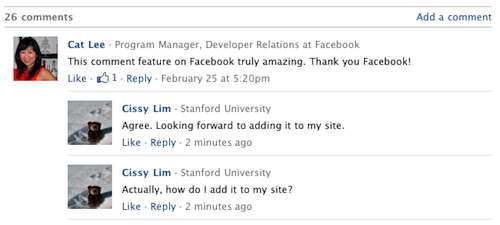
Old comments on blogs, forums, product reviews, and Q and A platforms are frequently indexed by search engines. Many people forget that these posts are still visible long after their opinions or circumstances have changed.
Usernames and Aliases
If you reuse the same username across platforms, you create an easy-to-follow trail. A single handle can connect a professional profile, a hobby forum, and a personal social account within seconds.
Images and Videos
Photos tagged by others, event galleries, school websites, or archived content can surface in image search results even if you never uploaded them yourself.
Public Records and Mentions
Business registrations, conference speaker lists, press releases, and local news articles all add context to your online identity. These are often legitimate but still worth knowing about.
3. The Ego Surf: Why You Should Search Yourself Regularly
Ego surfing means searching for your own name, usernames, email addresses, or photos to see what appears publicly. While the term sounds playful, the purpose is serious.
A regular online presence check helps you:
- Spot outdated or incorrect information
- Identify privacy risks early
- Understand how strangers might perceive you
- Detect impersonation or misuse of your identity
Searching yourself once is not enough. New content appears constantly. Old content gets reindexed. Platforms change privacy settings. Treat a digital footprint search like a routine checkup rather than a one-time task.
If you do not know what is public about you, you cannot protect it.
4. The Zombie Accounts You Forgot About
One of the most common surprises during a digital footprint search is discovering old accounts that were never deleted. Early social networks like Myspace, Tumblr, Flickr, or abandoned forums still exist in various forms.
These zombie accounts often contain:
- Old photos and usernames
- Personal interests that no longer apply
- Email addresses you no longer use
- Weak passwords from another era
Even if the platform itself is inactive, archived pages, mirrors, or cached versions may still be accessible. Username reuse makes this worse. When you use the same handle everywhere, forgotten accounts become easy entry points for anyone researching you.
Even small variations of a handle can connect accounts across platforms, which is why understanding username patterns is critical when auditing old profiles.
Cleaning up zombie accounts reduces both reputational risk and security exposure.
5. Data Brokers and How Your Information Spreads
Not all public data comes from social networks. Data brokers collect, aggregate, and resell personal information from various sources. This can include addresses, phone numbers, family connections, and estimated income ranges.
You may never have interacted with these sites directly. They pull data from:
The U.S. Federal Trade Commission explains how data brokers collect and resell personal information without direct relationships with the individuals involved.
- Public records
- Marketing databases
- Online purchases and subscriptions
- Social media signals
This is often how your home address or phone number appears online without your consent. While some data brokers offer opt-out processes, they are rarely automatic and often require manual requests.
Understanding that these entities exist is a key step in privacy awareness.
6. Privacy Risk Reduction Tips
You cannot erase your entire digital footprint, but you can reduce unnecessary exposure. Small changes add up over time.
- Use different usernames for professional and personal activities
- Review privacy settings on all active accounts
- Remove or lock down unused profiles
- Avoid oversharing location and routine details
- Regularly search for your name and aliases
Think of privacy as risk management, not perfection. The goal is to make your public presence intentional rather than accidental.
7. The Audit Guide: How to Check Your Digital Footprint
If you want to check your digital footprint properly, follow a structured approach instead of random searches.
Step 1: Name and Alias Search
Search your full name, common variations, and nicknames. Repeat this with quotation marks and without them. Try adding locations or workplaces for context.
Advanced search operators can reveal indexed pages that do not appear in standard results.
Step 2: Username Search
Search every username you have ever used. This often reveals forgotten forums, comment sections, or profiles.
Step 3: Image Search
Upload profile photos to reverse image search tools to find reused or tagged images across the web.
Step 4: Social Network Scan
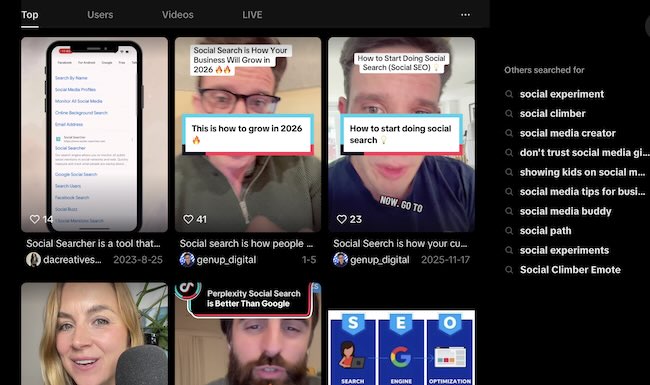
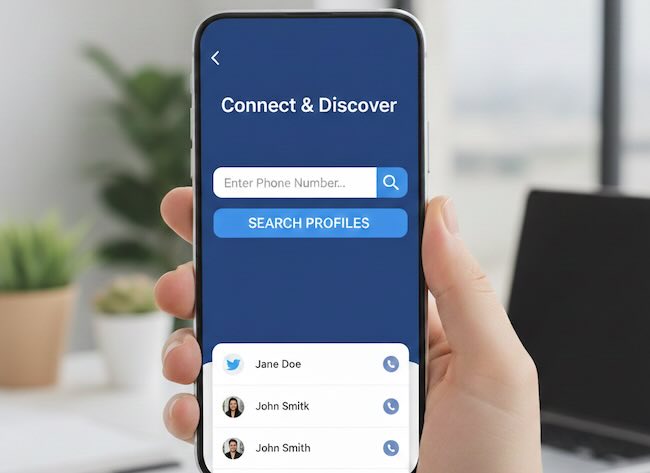
Manually check major social networks and use dedicated users search tools that allow searching across multiple platforms at once. This helps identify mentions, tags, and public posts you may have missed.
Step 5: Data Broker Check
Search your name along with terms like address or phone. Identify data broker sites and document where your information appears.
Step 6: Take Action
Delete what you can, request removals where possible, and adjust privacy settings. For content you cannot remove, be aware of it and factor it into your public identity.
8. Why Self-Auditing Matters More Than Ever
Employers, clients, partners, and even automated systems perform online presence checks every day. They do not see your intentions. They see search results.
By conducting your own digital footprint search, you shift from reactive to proactive. Awareness gives you control, and control reduces risk.
Your digital footprint tells a story. Make sure it is one you are comfortable sharing.
9. Frequently Asked Questions
What is the difference between a digital footprint search and an online presence check?
A digital footprint search is broader. It includes social media, comments, images, data brokers, and archived content. An online presence check often focuses only on visible profiles.
How often should I check my digital footprint?
For most people, once every three to six months is reasonable. Increase the frequency if you are job hunting, running a business, or have a public-facing role.
Can I completely remove my digital footprint?
No. Some data is permanent or controlled by third parties. The goal is reduction and awareness, not total erasure.
Are data broker opt-outs effective?
They can reduce exposure, but they require effort and follow-up. New listings may appear over time.
Why should I search across social networks instead of just using Google?
Many social platforms restrict search engine indexing. A direct search across networks reveals content that standard search engines may not show.